
Dead simple Role-based access control in supabase
I shared this short tweet 👇 and it gained more attention than I expected (including appearance in Supabase community highlights). Here's a how to do RBAC in Supabase in 3 simple steps.

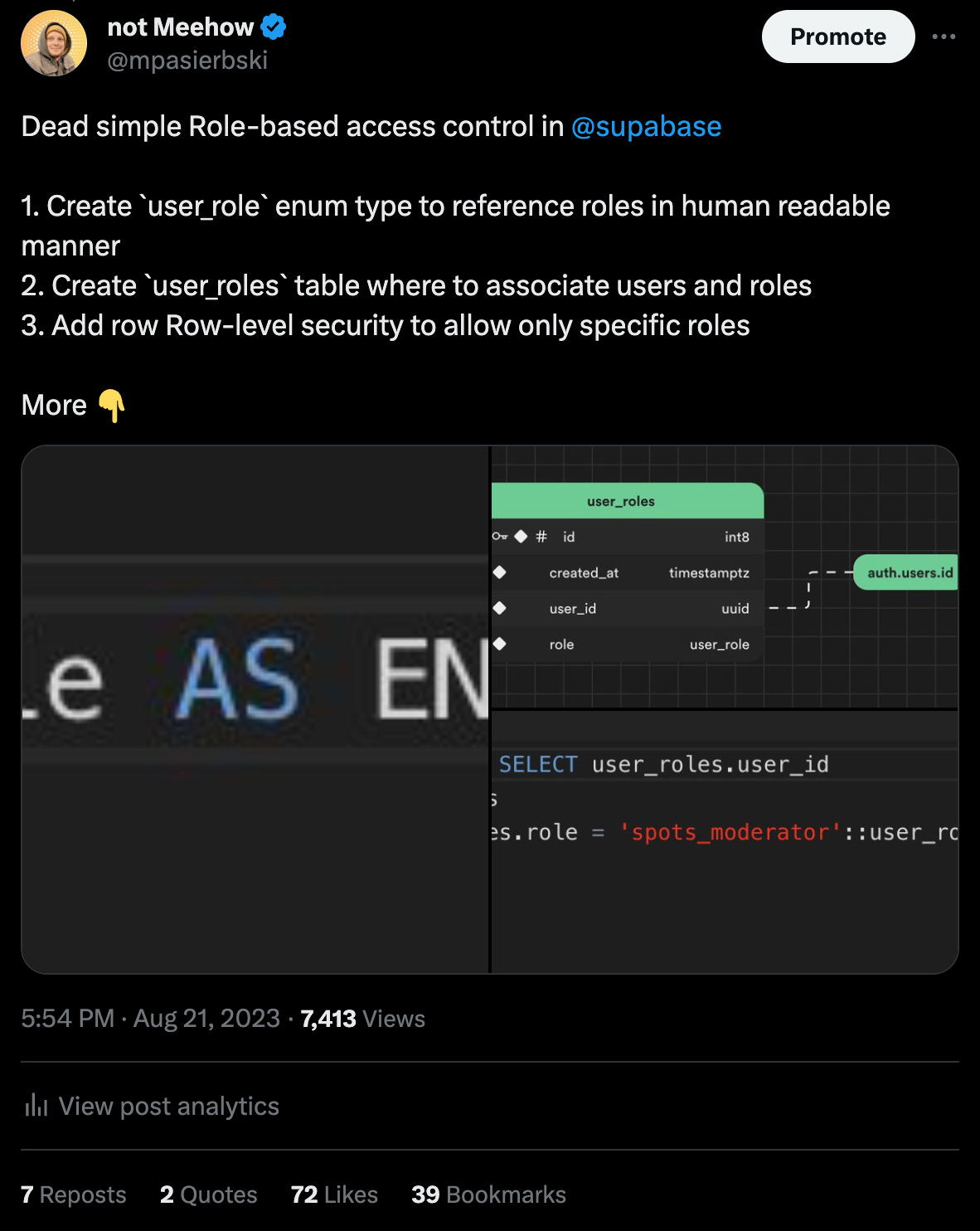
Original tweet | Supabase community highlights tweet
1. Defining Roles
For a more human-friendly approach to referencing roles, you can create a custom enum type:
CREATE TYPE user_role AS ENUM ('spots_moderator', 'admin');2. Setting Up the “user_roles” Table
The user_roles table allows us to link roles with users. To ensure the security of user_roles, enable Row-Level Security (RLS) and implement the policy:
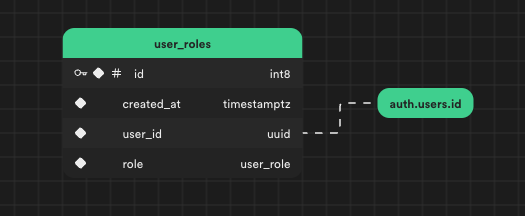
To secure user_roles enable RLS (Row-level security) and add following policy auth.uid() = user_id
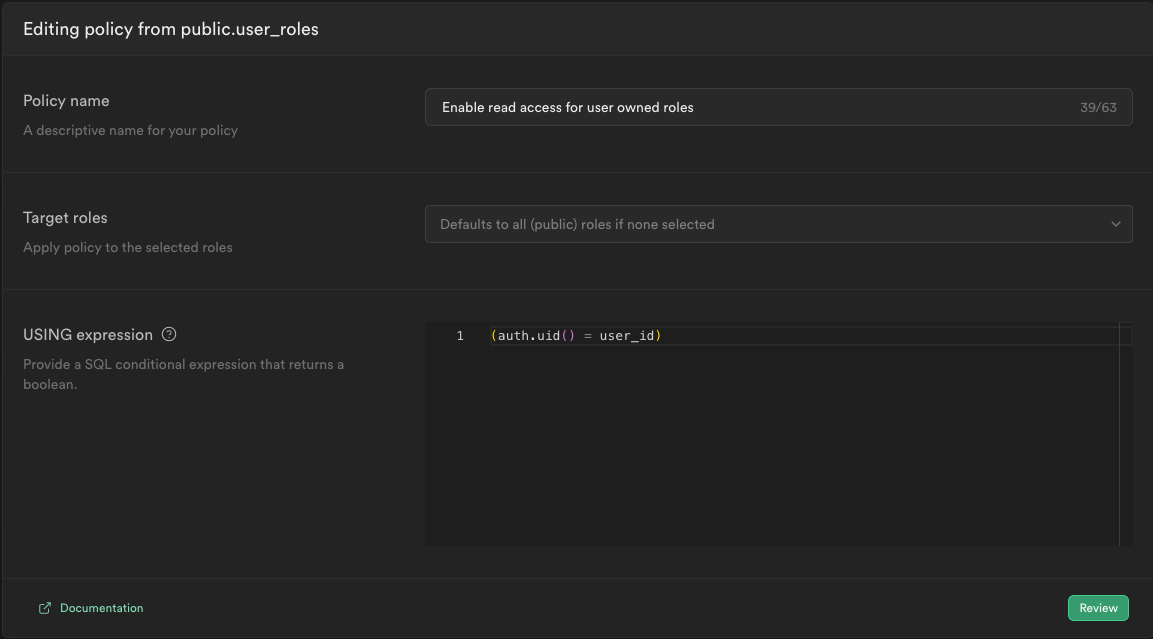
This policy grants authenticated users access to read the roles they possess.
Key points:
user_idreferencesauth.users.idThe role is based on the
user_roletype (the enum type from step 1.)RLS enables reading of roles owned by the user
3. Implementing Row-Level Security for Role-Specific Access
You can now control access to specific rows within a table, such as spot_proposals in this case, by users with particular roles. This is done by specifying the following RLS condition:
(auth.uid() IN ( SELECT user_roles.user_id
   FROM user_roles
  WHERE (user_roles.role = 'spots_moderator'::user_role)))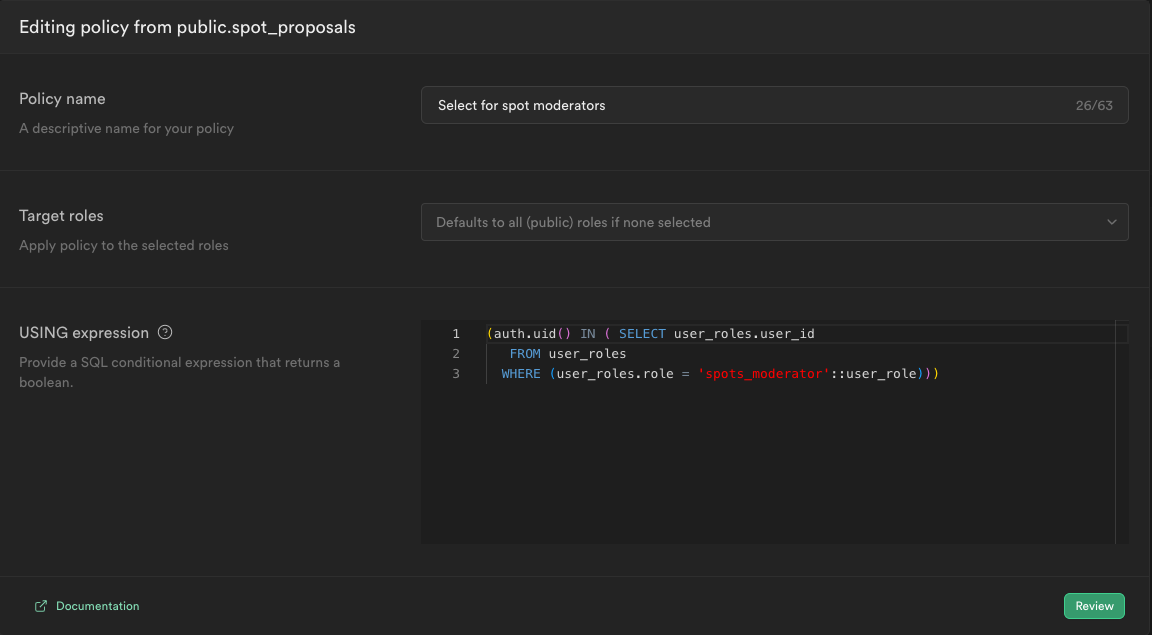
Key points:
user_roleshas an RLS policy, allowing authenticated users to read their rolesThe RLS policy on
spot_proposalsrestricts access to specific roles, such asspots_moderator
This setup ensures a straightforward yet effective role-based access control mechanism in Supabase.